Play Without Boundaries
High-end VR. No PC. Anywhere.
Stream powerful VR experiences directly to your headset — no gaming computer, no wires, no fixed location.
Boundless Immersion & Interaction
OmniVR delivers high-end VR experiences without the traditional barriers. There’s no gaming PC to buy, no cables to manage, and no bulky hardware tying you to a single room. With just your headset and a solid internet connection, you can stream powerful VR titles directly from the cloud.
Move freely. Play naturally. Whether you’re at home, in a hotel, or on the road, your VR world is always within reach. By offloading the heavy lifting to our globally distributed servers, OmniVR gives you room-scale immersion without room-scale constraints.
Turn-Key Access
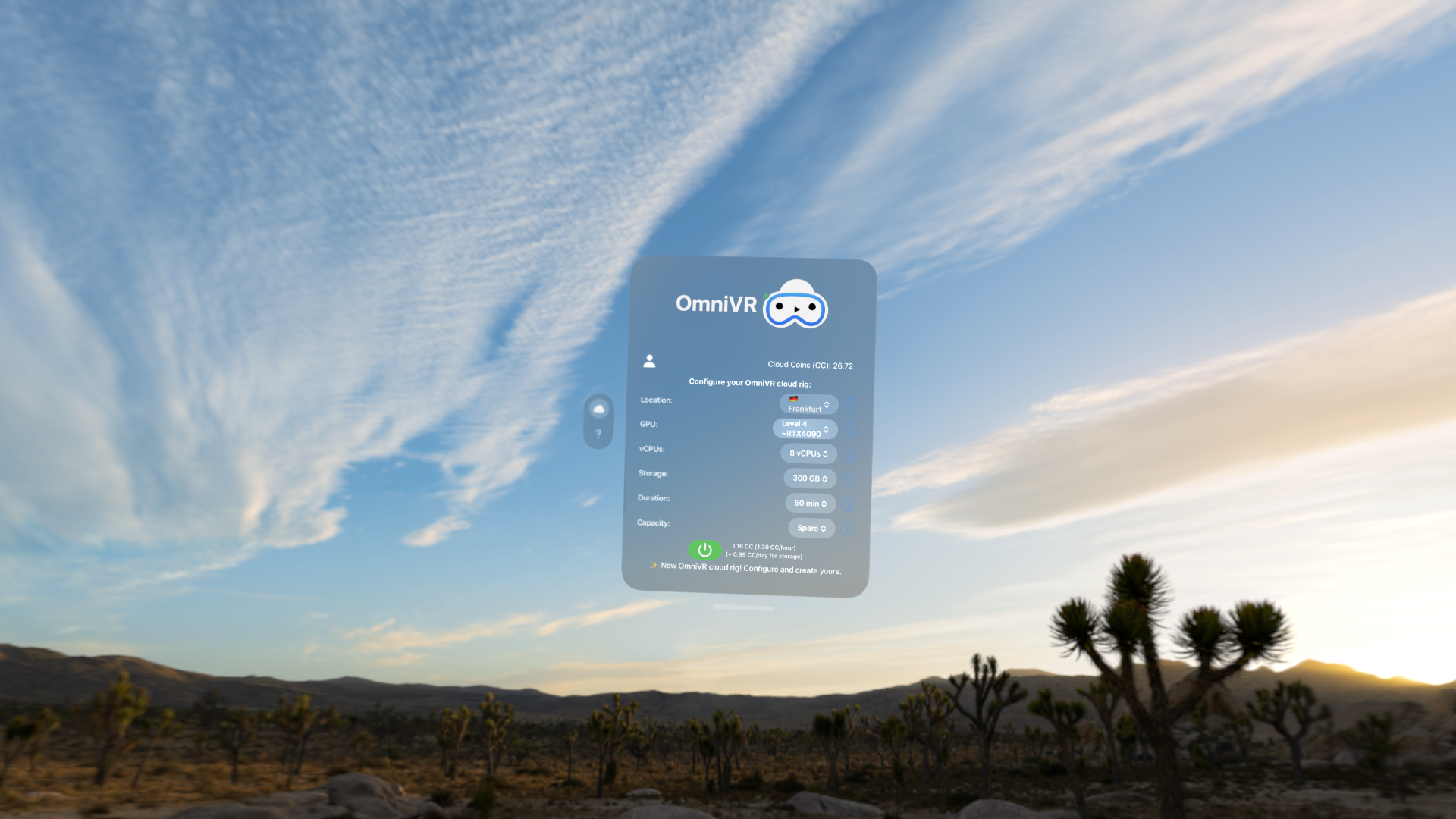
Getting started couldn’t be easier. OmniVR is designed to work seamlessly with supported headsets and standard internet connections — no technical expertise required.
There’s nothing to assemble, configure, or maintain. Simply put on your headset, connect, and jump straight into VR. Your personal rig launches on demand in one of our global locations, giving you instant access to the VR games you already own, demos, and free-to-play experiences.
From first launch to full immersion takes minutes, not hours. No drivers, no firmware juggling, no hardware upgrades — just press play and explore.
Built for Mobility. Perfect for VisionOS.
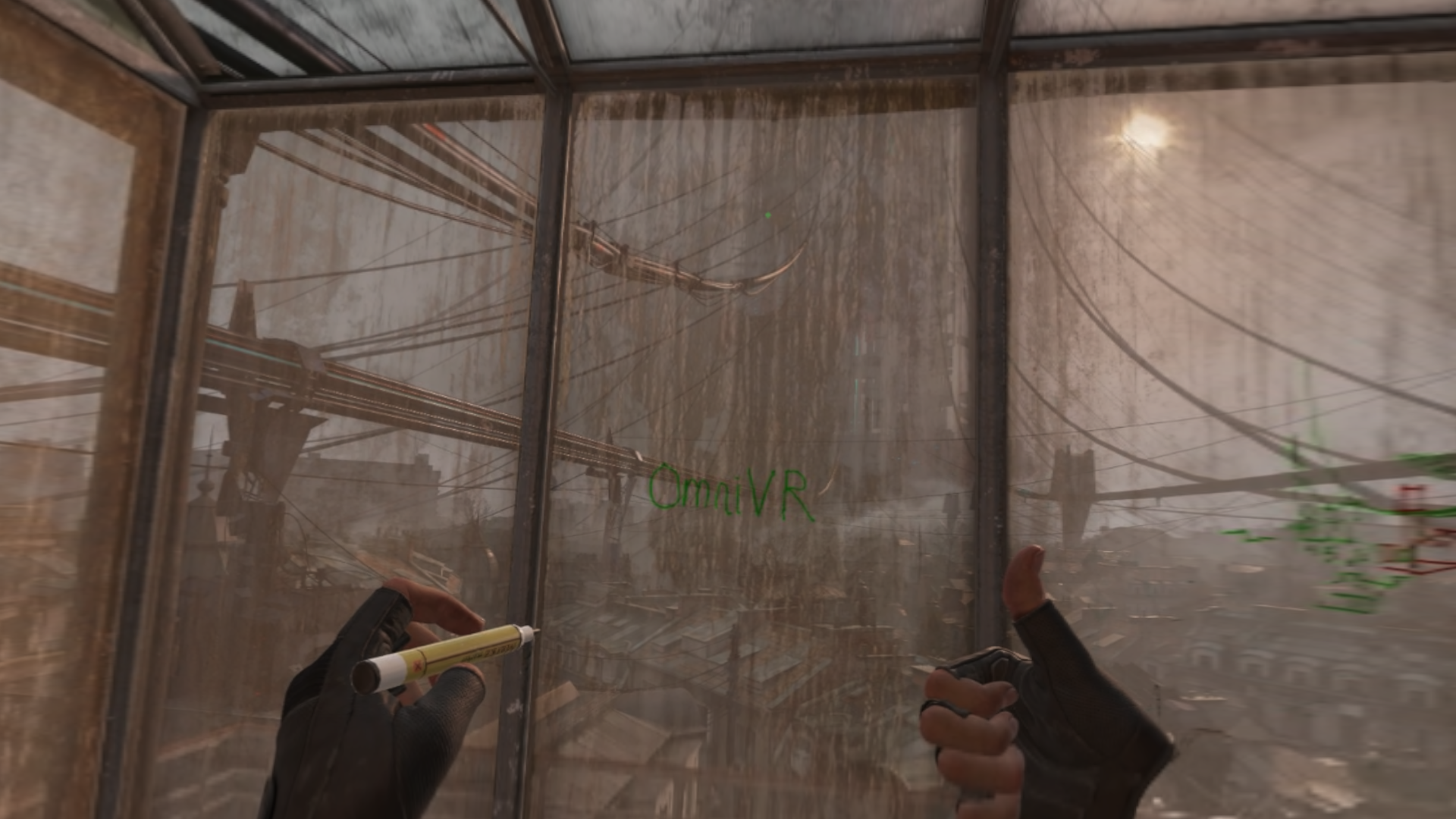
Traditional VR assumes you’re anchored to a desk, a room, or a tower of hardware. OmniVR is designed for a different reality — one where VR fits naturally into a mobile, modern lifestyle.
VisionOS users in particular benefit from a frictionless experience that stays fully within the Apple ecosystem. No third-party PCs. No dedicated VR machines. Just your headset and the internet you already have.
Whether you’re traveling, relocating, or simply don’t want to dedicate space to a permanent gaming setup, OmniVR keeps your VR rig with you at all times. Launch a session from anywhere and return to the same environment, with your games and settings intact.
How It Works
🚀 1. Launch Your Rig
Start a session in OmniVR. Your personal high-performance VR rig spins up instantly in the cloud, close to your location for low latency.
🌐 2. Connect Securely
Put on your headset and connect using our encrypted, low-latency streaming tunnel. No manual networking, no complicated setup — it just works.
🎮 3. Enter VR
Open your VR client and step straight into immersive worlds. Download and play the VR games you already own, explore demos, or try free-to-play experiences.
Why OmniVR?
| Feature | Traditional PCVR | Standalone Headsets | OmniVR |
|---|---|---|---|
| No expensive gaming PC required | ❌ | ✅ | ✅ |
| High-end visuals & performance | ✅ | ⚠️ Limited | ✅ |
| Works while traveling | ❌ | ✅ | ✅ |
| No cables or bulky hardware | ❌ | ✅ | ✅ |
| Access from anywhere | ❌ | ⚠️ Limited | ✅ |
| Upgrade-free over time | ❌ | ❌ | ✅ |
⚠️ Standalone headsets are limited by onboard hardware.
Want to know more?
For more details, check out our FAQ page.